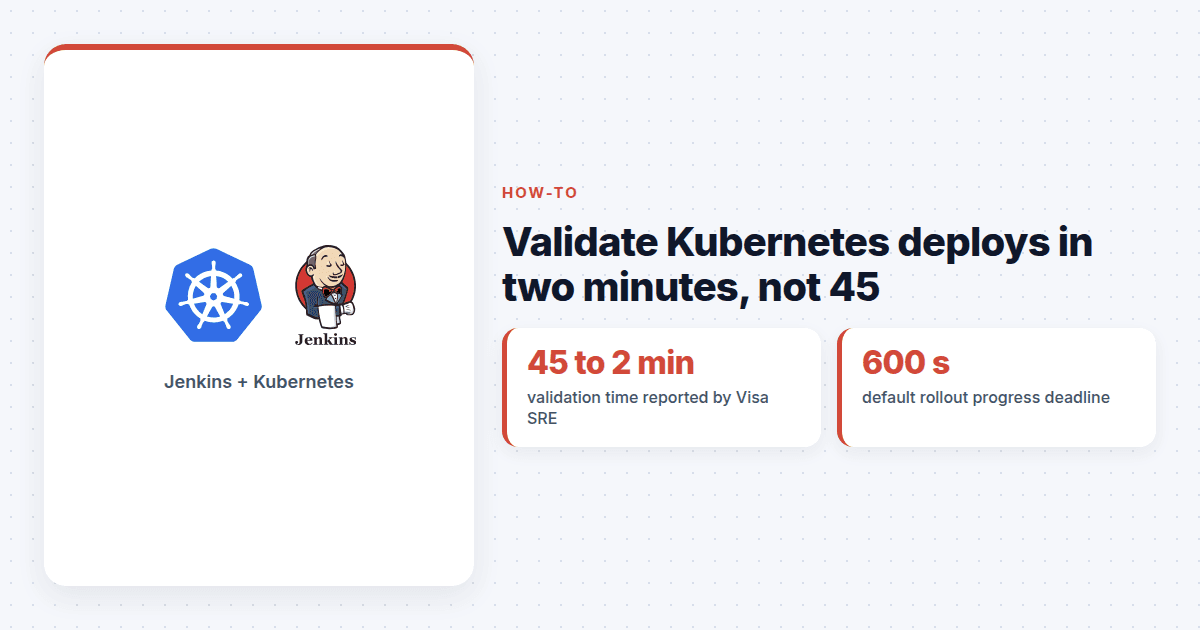
A green Jenkins build tells you Kubernetes accepted your manifests. It does not tell you the new pods are serving traffic. Kubernetes deployment validation is the step that closes that gap, and Sai Joshitha Kathari, a senior site reliability engineer at Visa, said automating it cut her team's check time from 45 minutes to 2.
Kathari described the work in a video interview published on 15 October. Engineers had been hopping between clusters, dashboards and logs after every release. Her fix was to move those checks into the Jenkins pipeline itself: capture cluster state before the deploy, then check pod readiness, failure rates and workload stability after it, and print any crash loop or failed pod with the cluster name in the build log.
The idea is not specific to Visa or to Jenkins. Any team that runs kubectl apply or helm upgrade from CI and stops there can copy it. Here is how to build the same thing in four steps.
Why is a successful deploy not a healthy deploy?
kubectl apply returns as soon as the API server stores the object. The rollout happens after that, out of sight of the pipeline.
Kubernetes also does not roll back on its own. If a Deployment stops making progress for longer than progressDeadlineSeconds, which defaults to 600 seconds, the controller sets the Progressing condition to False with the reason ProgressDeadlineExceeded. Then it waits. Your old pods may still be serving, your new ones may be crash-looping, and nobody gets told unless something is watching.
That something should be the pipeline.
Step 1: Capture a baseline before you deploy
Before the deploy stage, record the current revision with kubectl rollout history deployment/payments -n prod, the ready replica count, and the restart count for each pod. Write them to a file in the Jenkins workspace.
This is cheap and it pays off twice: you can compare restarts later, and you know which revision to return to.
Step 2: Wait on rollout status with a real timeout
Right after the deploy, run kubectl rollout status deployment/payments -n prod --timeout=5m. It exits 0 when the rollout completes and non-zero when it fails or hits the timeout, so a plain sh step in Jenkins will fail the stage for you.
Two settings in the Deployment spec make this check honest. Set progressDeadlineSeconds lower than your pipeline timeout so Kubernetes declares failure before Jenkins gives up. Set minReadySeconds to something like 10 or 30, so a pod has to stay Ready for that long before it counts as available. Without it, a pod that passes its first probe and dies four seconds later still counts.
Step 3: Check readiness, restarts and crash loops
Rollout status only knows what your probes tell it. If the readiness probe is a static /healthz that returns 200 while the app cannot reach its database, every check downstream is built on sand. Make the readiness endpoint test what the pod needs to serve a request.
Then add checks that rollout status does not do:
Wait for every new pod to be Ready with
kubectl wait --for=condition=Ready pod -l app=payments -n prod --timeout=2m.Read each container's waiting reason from the pod status and fail on
CrashLoopBackOff,ImagePullBackOfforCreateContainerConfigError.Compare restart counts to the baseline from step 1. Any increase on a new pod is a red flag.
If you have Prometheus, query the error rate and latency for the service and compare them to the pre-deploy numbers.
Then wait two or three minutes and run the same checks again. Plenty of bad releases look fine for a minute and fall over when the first cache expires. Kathari called this workload stability, and it is the part most homegrown scripts skip.
If you deploy to several clusters, run the checks in parallel and label every line of output with the cluster name. In a related Conf42 talk, Kathari described polling the Kubernetes API with batched queries and evaluating service state concurrently, which is how a check across many namespaces stays in the two-minute range.
Step 4: Should the pipeline roll back on its own?
Yes. When any check fails, roll back from the pipeline. In a declarative Jenkinsfile, a post { failure { ... } } block that runs kubectl rollout undo deployment/payments -n prod does the job. If you use Helm 3, the --atomic flag on helm upgrade rolls back a failed release and implies --wait.
Know the limits. A rollout undo only reverts the pod template. It does not revert a ConfigMap you changed in the same release, and it cannot undo a database migration. Releases that touch both need a plan that is written down before the deploy, not during the incident.
Finally, post the failing check, the cluster and the revision you rolled back to into the team channel. The point of automation here is to give engineers their 43 minutes back, not to hide what happened.
None of this is new tooling. It is the checks your engineers already run by hand, written down once and run every time.
Quick answers
Does Kubernetes roll back a failed Deployment on its own?
No. When a rollout stops making progress past progressDeadlineSeconds (600 seconds by default), Kubernetes marks the Deployment with ProgressDeadlineExceeded but leaves it as it is. Your pipeline has to run kubectl rollout undo or an equivalent.
Is kubectl rollout status enough to validate a deployment?
It is a good first gate because it exits non-zero on failure or timeout, but it only tells you the rollout finished. Add readiness, restart count and crash loop checks, plus a short soak period, before you call the release healthy.
How long should post-deploy validation take?
A few minutes is realistic. Sai Joshitha Kathari, a senior SRE at Visa, said automating these checks in Jenkins cut validation from 45 minutes to 2 minutes across her clusters.