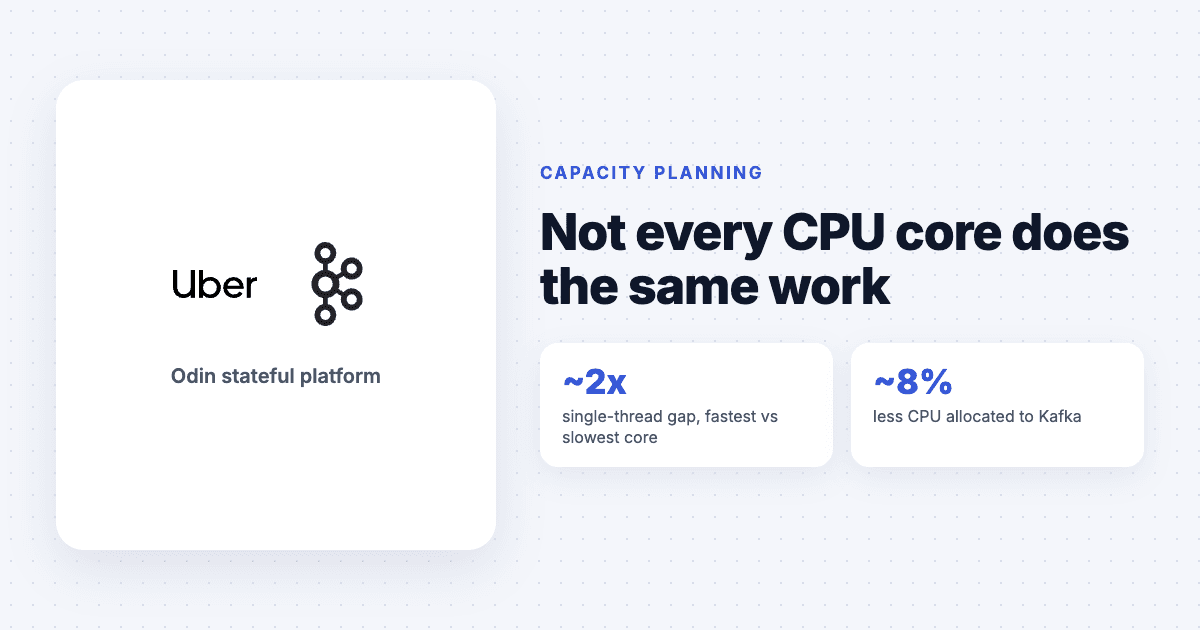
Most capacity plans count CPU cores as if every core does the same amount of work. Uber stopped assuming that. Its engineers found that single-threaded performance across its fleet varies by almost a factor of two between the fastest and slowest cores, and they changed how their platform allocates CPU to account for it.
According to InfoQ's report from 27 October, Uber added Normalized Compute Units, or NCUs, to Odin, the platform that runs its stateful workloads. Odin manages about 5 million CPU cores across Uber's own data centres and public clouds, spanning several x86 generations and ARM.
What are Normalized Compute Units?
Each server type gets a performance factor. An older hardware generation is the baseline of 100, and some newer servers score about 190. Factors start from hardware qualification tests and are then adjusted using production data. A workload asks for compute in NCUs, and the platform works out how many physical cores that means on whichever server the workload lands on.
About 1.4 million cores of autoscaled Odin workloads now use the approach.
What did it change for Kafka?
The gap in CPU utilisation between server types fell from about 8 percentage points to about 3.
The hottest hardware went from running about 50% hotter than the coldest to about 10% hotter.
Total CPU allocated to Kafka dropped by about 8%, with most of the saving on the newest and fastest servers.
Uber also found that performance factors differ by technology. Kafka behaved very differently on ARM, older on-premises hardware and newer x86, so the factors are tuned per workload type from production measurements rather than synthetic benchmarks alone.
Why does this matter more for stateful workloads?
A stateless service can route around a slow machine with a load balancer. A stateful one often cannot, because a specific shard or partition leader has to live somewhere. Uber gives the example of a leader that uses more than ten times the CPU of its followers. If that leader moves from a fast server to a slow one, the workload has not changed, but it suddenly needs far more cores to keep up. Unless the allocation accounts for the hardware, you find out through latency.
What does this mean for Kubernetes users?
In Kubernetes, a CPU request is an amount of CPU time, not an amount of work. That keeps manifests portable, but it means the same request delivers different throughput depending on the node it lands on. If your node pools mix instance generations, or mix ARM and x86, you are already living with Uber's problem, whether you see it or not.
You do not need to build NCUs to deal with it. Some practical steps:
Measure throughput per instance family. Benchmark your own heavy services on each instance type you run. Synthetic CPU scores will not tell you how Kafka, PostgreSQL or your own JVM services behave.
Keep stateful workloads on consistent hardware. Use node affinity or dedicated node pools so a database or broker does not drift between generations during a reschedule.
Size requests per pool. If a service must run on mixed hardware, set requests for the slowest type it can land on, or split it into deployments tied to specific pools.
Scale on latency, not CPU percentage. CPU percentage means different things on different hardware. Latency or queue depth means the same thing everywhere.
Count savings in work done. When you move to newer instances, measure the change in cost per request or per message, not only the change in core count.
The broader lesson is about what we count. A core is a unit of purchase. It is not a unit of work, and treating it as one hides both waste and risk.
Quick answers
What are Uber's Normalized Compute Units?
Normalized Compute Units give each server type a performance factor, with an older generation as a baseline of 100 and some newer servers at about 190. Workloads request compute in NCUs, and Uber's Odin platform converts that into physical cores for the hardware the workload runs on.
How much did NCUs save Uber on Kafka?
Uber reported about 8% lower total CPU allocation for Kafka, and the spread in CPU utilisation between server types fell from about 8 percentage points to about 3.
Does a Kubernetes CPU request account for processor speed?
No. A Kubernetes CPU request is an amount of CPU time, not an amount of work, so the same request can deliver different throughput on different instance generations or architectures.