An idle GPU is the most expensive thing in most AI budgets. Small models, test endpoints and low-traffic inference services often use a fraction of a card while paying for all of it. AWS shipped two ways to fix that in the last two weeks, and they behave very differently.
What did AWS announce?
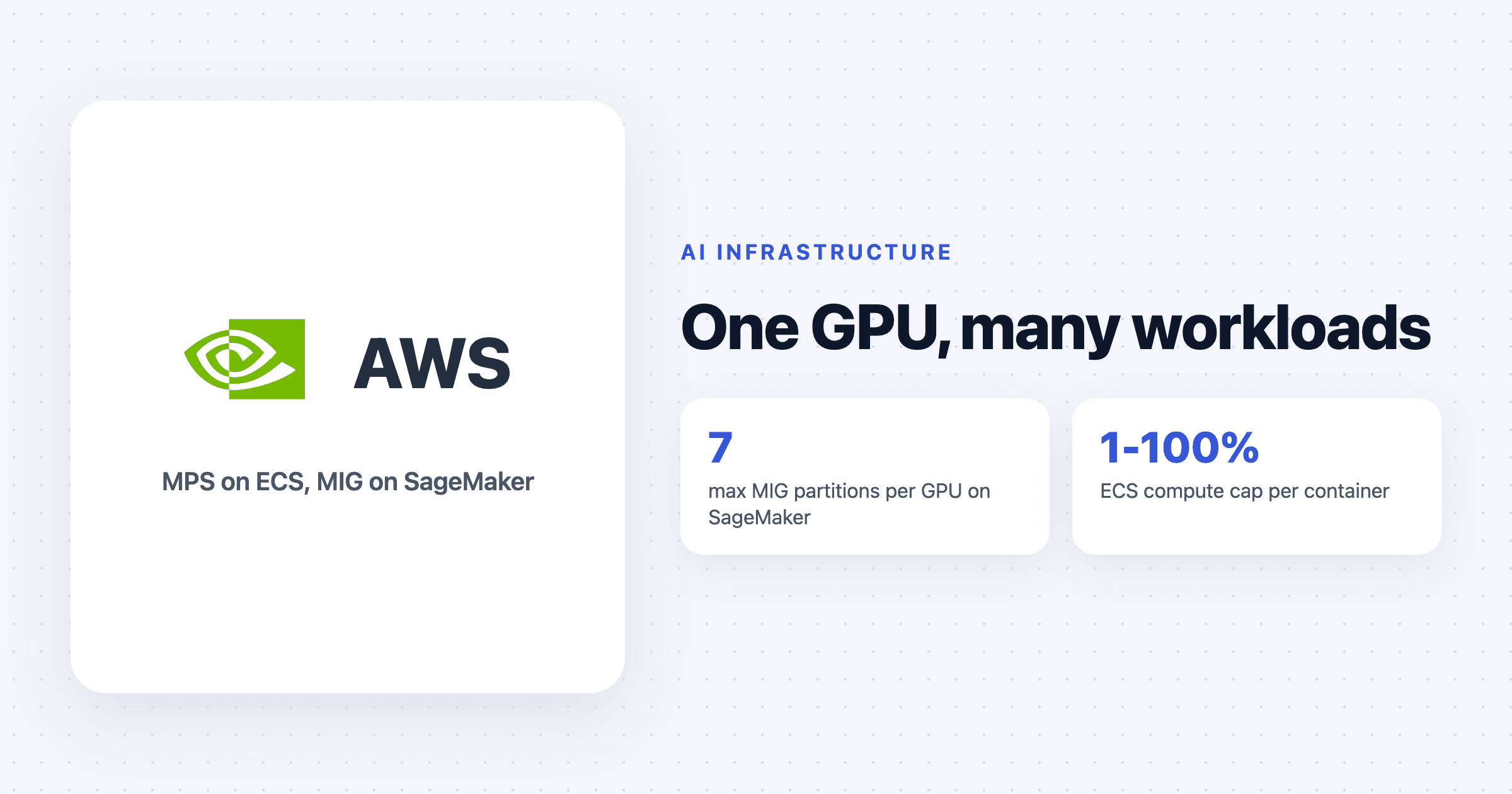
On 28 October, AWS said Amazon ECS now supports GPU sharing with NVIDIA Multi-Process Service (MPS). Several ECS tasks can run on one GPU at the same time, on both ECS Managed Instances and ECS on EC2, in all commercial and GovCloud regions. You set GPU memory per container and can cap the share of compute it gets, with no application changes. ECS watches the MPS daemon and replaces unhealthy instances.
On 6 November, AWS added Multi-Instance GPU (MIG) support to SageMaker inference. MIG splits a physical GPU into hardware-isolated slices, each with fixed compute and its own memory. It works on inference component endpoints on P4d (A100 40 GB, up to seven slices), P5 (H100 80 GB, up to seven), G7 (up to two) and G7e (up to four).
How are MPS and MIG different?
MPS is sharing by agreement. All tasks run on the same GPU and the limits are enforced by the CUDA runtime from settings the container receives. On ECS you set memory in MiB and maxComputePercent from 1 to 100 under the GPU's sharing strategy.
MIG is sharing by partition. The GPU is carved into slices with names like mig-3g.40gb (three compute units and 40 GB). Each model gets its own slice, with its own memory and predictable latency.
Do the ECS limits hold?
Classmethod tested this and the results are useful. A task capped at 4,096 MiB ran out of memory at about 3,840 MiB, so the cap held. Compute caps scaled cleanly: a 50% cap delivered about 34 TFLOPS against 64 for the whole GPU, and two 50% tasks barely affected each other.
The catch is that the caps arrive as environment variables. Code inside the container can remove them before CUDA starts, and in the test that lifted both limits. A greedy task then used about 20 GB and pushed a well-behaved 4 GB neighbour out of memory at 1,792 MiB. ECS also places tasks by remaining memory on paper, not actual use, and Container Insights did not report GPU metrics for shared tasks.
That makes MPS on ECS a good tool for your own workloads that trust each other, and a poor one for separating teams or customers.
What does MIG cost and gain?
AWS's benchmark ran Llama 3.1 8B on one H100 slice (mig-3g.40gb) against a whole A100 40 GB. The slice delivered 53% to 89% more output throughput and lower latency. Cost per million tokens was 18% to 34% lower, but only above a break-even concurrency. At low traffic the whole A100 was cheaper. On long prompts at high concurrency, the A100 failed a third to half of requests while the slice failed none.
The trade-offs: you still pay for the whole instance, a component's slice size is fixed, changing the layout means a new endpoint, slices cannot span GPUs, and CPU, network and host memory are still shared. Serverless and asynchronous endpoints are not supported.
Which should you use?
Use MPS on ECS for many small models or jobs from one team, dev and test endpoints, or batch inference where you want higher utilisation and accept soft limits.
Use MIG on SageMaker when you need predictable latency per model, fault isolation, or cost tracking per model, and your traffic is high enough to pass break-even.
Use separate GPUs or clusters when workloads belong to different customers or teams that should not be able to affect each other.
Either way, measure before and after. GPU sharing is a utilisation tool, and the savings only show up if your workloads were really leaving the card idle.
Quick answers
Does Amazon ECS support GPU sharing?
Yes. Since 28 October 2026, ECS supports GPU sharing with NVIDIA Multi-Process Service on ECS Managed Instances and ECS on EC2, with per-container GPU memory limits and an optional compute cap.
What is the difference between NVIDIA MPS and MIG?
MPS lets several processes share one GPU with software-enforced limits. MIG splits a supported GPU into hardware-isolated partitions with dedicated memory and compute, which gives stronger isolation and more predictable latency.
Can ECS GPU sharing isolate tenants?
Not reliably. Independent testing showed code inside a container can remove its MPS limits, so AWS users should keep different teams or customers on separate capacity providers or clusters.