CircleCI has made its Machine Runner Orchestrator generally available as version 1.0.0. It solves a problem that every company running its own build machines knows well: too few machines at 10am, too many at midnight.
What it does
Self-hosted runners let companies run CI jobs on their own machines, usually for security, cost or special hardware. The catch has always been capacity. Teams either keep a fixed pool that is idle most of the day or write their own scaling scripts.
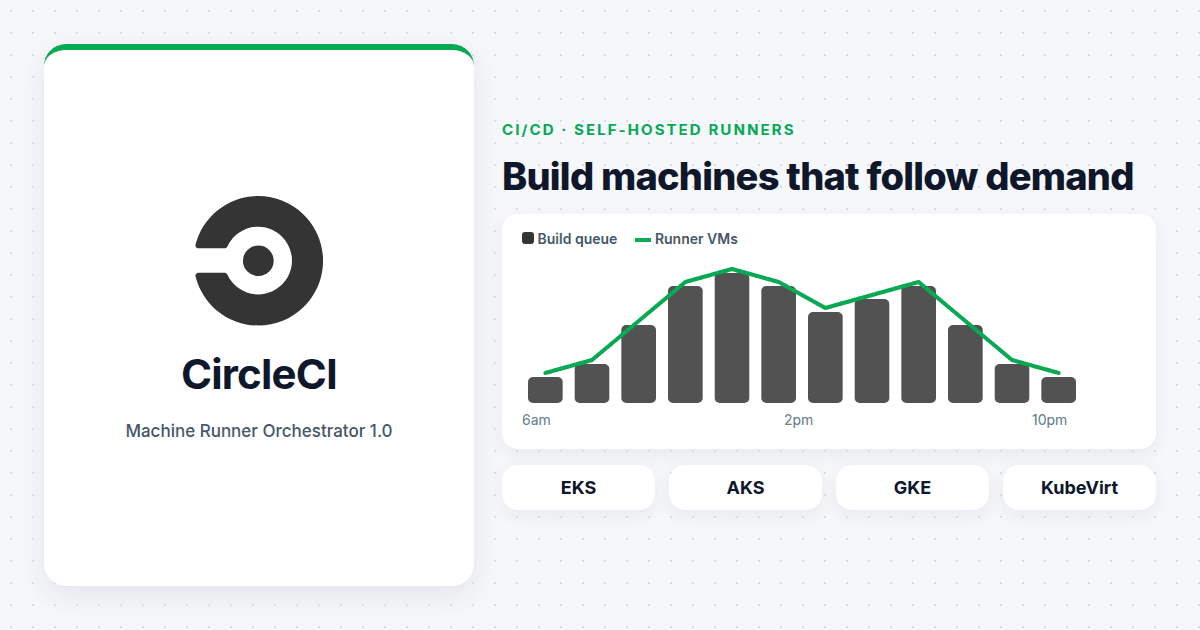
The orchestrator takes over that job. It starts and stops runner virtual machines to match the queue of builds. One deployment can handle normal CPU machines, GPU machines and ARM machines. It runs on Amazon EKS, Azure AKS, Google GKE and KubeVirt clusters, so it fits inside the Kubernetes platforms many teams already run.
CircleCI says it is included at no extra cost for self-hosted runners on all its plans. The release also fixes two high-severity security issues in a networking library it uses.
One thing to plan for
Teams that used the preview cannot upgrade in place. They need to uninstall the old version and install 1.0.0, and affected runners will go offline for a short time while that happens. Schedule it outside release windows and tell developers in advance.
Why this matters
Build demand is growing fast. AI coding assistants write more code, open more pull requests and trigger more pipelines than people do. As we covered earlier this month, Anthropic reported that its CI jobs grew 25 times in six months. For many teams, build capacity rather than headcount is becoming the thing that limits how fast they ship.
Automatic scaling helps with waiting time. It does not, on its own, help with cost. A pool that grows with demand will happily grow with wasteful demand too: duplicate pipelines, tests that run on every commit when they only need to run nightly, and GPU machines used for jobs that never touch a GPU.
So the useful question is not whether to turn it on. It is who decides how big the pool is allowed to get, and who looks at the bill.
What to do this quarter
- Measure queue time today. Know how long builds wait for a machine before you change anything, so you can prove the benefit afterwards.
- Set upper limits on each pool, especially GPU, before switching on scaling.
- Tag runner machines by team or project in your cloud account so the cost shows up where the demand comes from.
- Plan the preview migration as a short maintenance window, not a background task.
- Review which pipelines really need special hardware. ARM and GPU pools are useful and expensive. Make sure only the jobs that need them use them.
Tools that remove manual toil are welcome. The work they leave behind is the decision about how much capacity is worth paying for, and that one still sits with people.