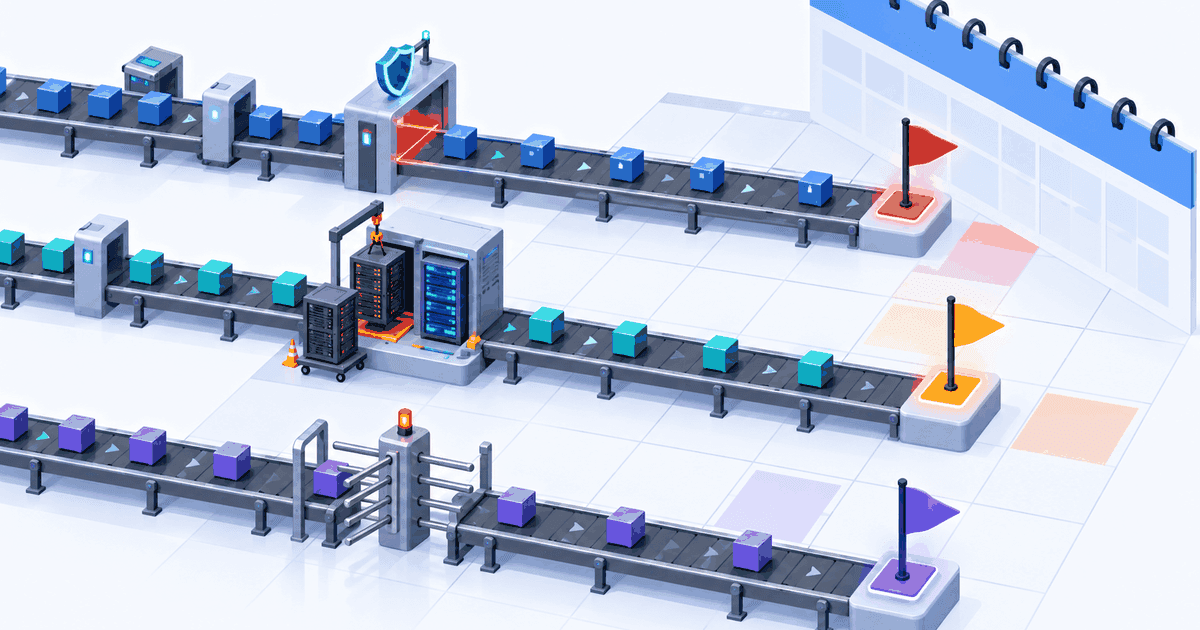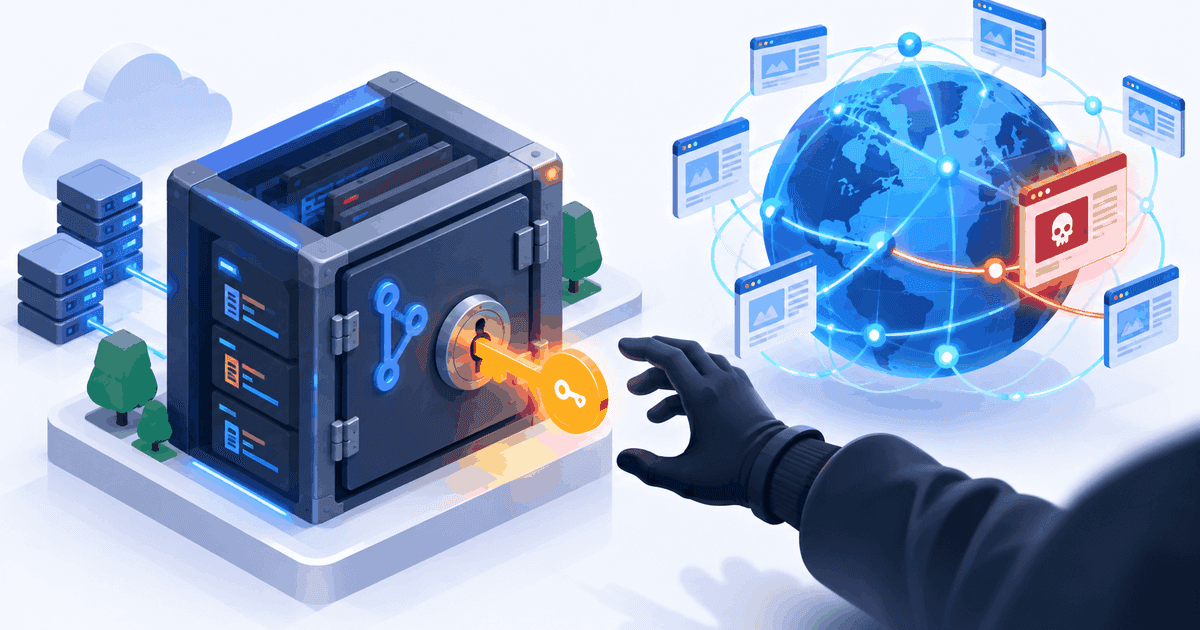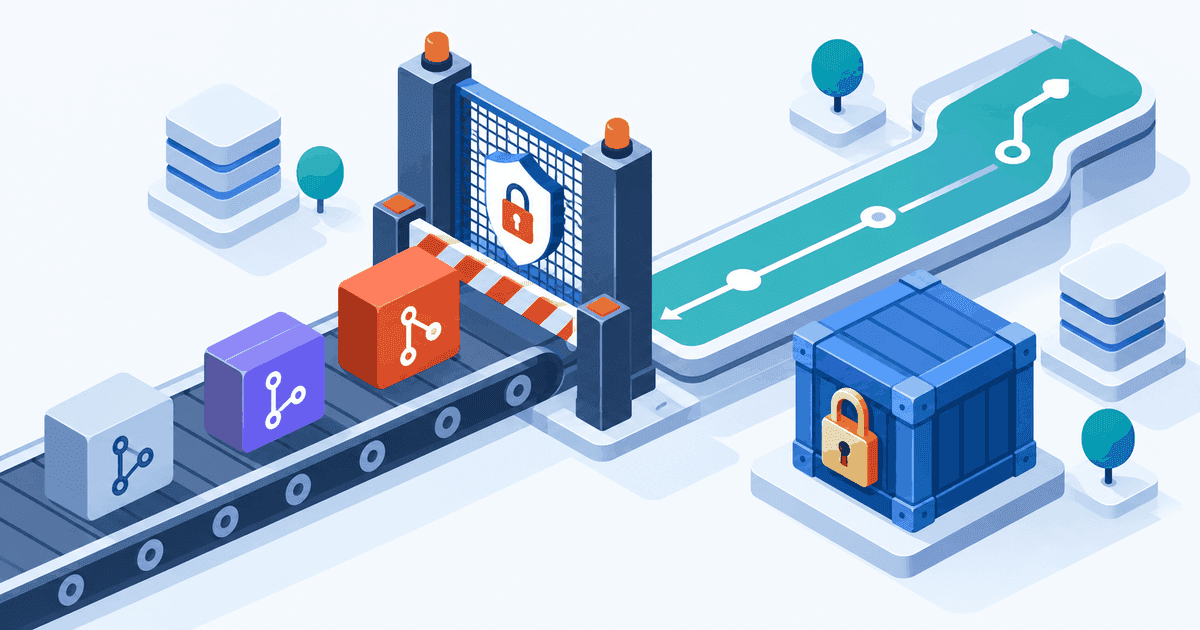
Two GitHub releases from this month close gaps most platform teams have been covering with convention and hope. Secret-scanning merge blocks let a ruleset refuse a pull request that introduced an exposed secret. Actions cache-mode lets you decide, per workflow or per job, whether a run can read the cache, write to it, or neither. Both shut a route by which something untrusted in a pull request ends up somewhere trusted.
Here's what each control does according to GitHub's changelog and docs, where the edges are, and a rollout you can finish by Friday. For broader gating policy, see the security hub.
Control | What it stops | Where you configure it | Status and plans |
|---|---|---|---|
Secret-scanning merge block | A PR merging with an open secret scanning alert it introduced | Ruleset rule "Require secret scanning alerts are resolved" (repo, org or enterprise rulesets) | Public preview; requires GitHub Secret Protection or GitHub Advanced Security |
Actions | Jobs saving to, or restoring from, the cache when they shouldn't |
| Generally available on all plans |
Secret-scanning merge blocks: from alert to enforcement
Until now, a secret scanning alert on a pull request was information. Someone might act on it, or the branch might land on main and the credential ship with the next release. The merge-block rule announced on 9 September makes resolving it a condition of merging.
The rule blocks a merge when either:
a commit in the PR introduced an open secret scanning alert matching the secret types selected in the ruleset, or
secret scanning hasn't finished scanning the PR's head commit.
By default it covers provider patterns. You can extend it to custom and generic patterns; AI-detected secrets aren't supported. It's also available through the REST API as the require_secret_scanning_alert_resolution rule type, and through GraphQL, so it can live in your rulesets-as-code.
What a blocked PR looks like
A developer without bypass permission has one way forward: get each blocking alert resolved. Deleting the secret in a follow-up commit doesn't do it. The rule asks whether a commit introduced an open alert, and secret scanning doesn't close alerts automatically when the token disappears. Someone has to close the alert, and then the merge unblocks.
The scan-completion condition also means a brief window after each push where the PR can't merge. Mostly invisible, but worth watching if you run a tightly timed merge queue.
False positives and bypass
A false positive clears the same way as a real leak: the alert is closed with a reason and the block lifts. That's the weak point. The rule checks alert state, not credential state. A developer under deadline pressure who closes a live-token alert as a false positive has satisfied the ruleset and shipped the secret anyway.
So decide who can close alerts before you enable the rule. Our position: the PR author shouldn't close an alert on a provider pattern. Those patterns are precise enough that a second reviewer costs almost nothing.
Bypass uses the standard ruleset bypass list, which can hold admins and owners, write or maintain roles, teams, GitHub Apps and Dependabot. Keep it short. "Repository admins" across a large org means hundreds of people who can wave a live credential through.
Why push protection isn't enough on its own
Push protection stops the secret at git push, before it reaches the repository, and remains the better place to catch it. GitHub positions the merge block as a second layer for cases push protection "isn't able to or configured to catch": a developer who bypassed the push-protection prompt, a pattern you haven't enabled for push protection, a repo where it was never switched on. Run both.
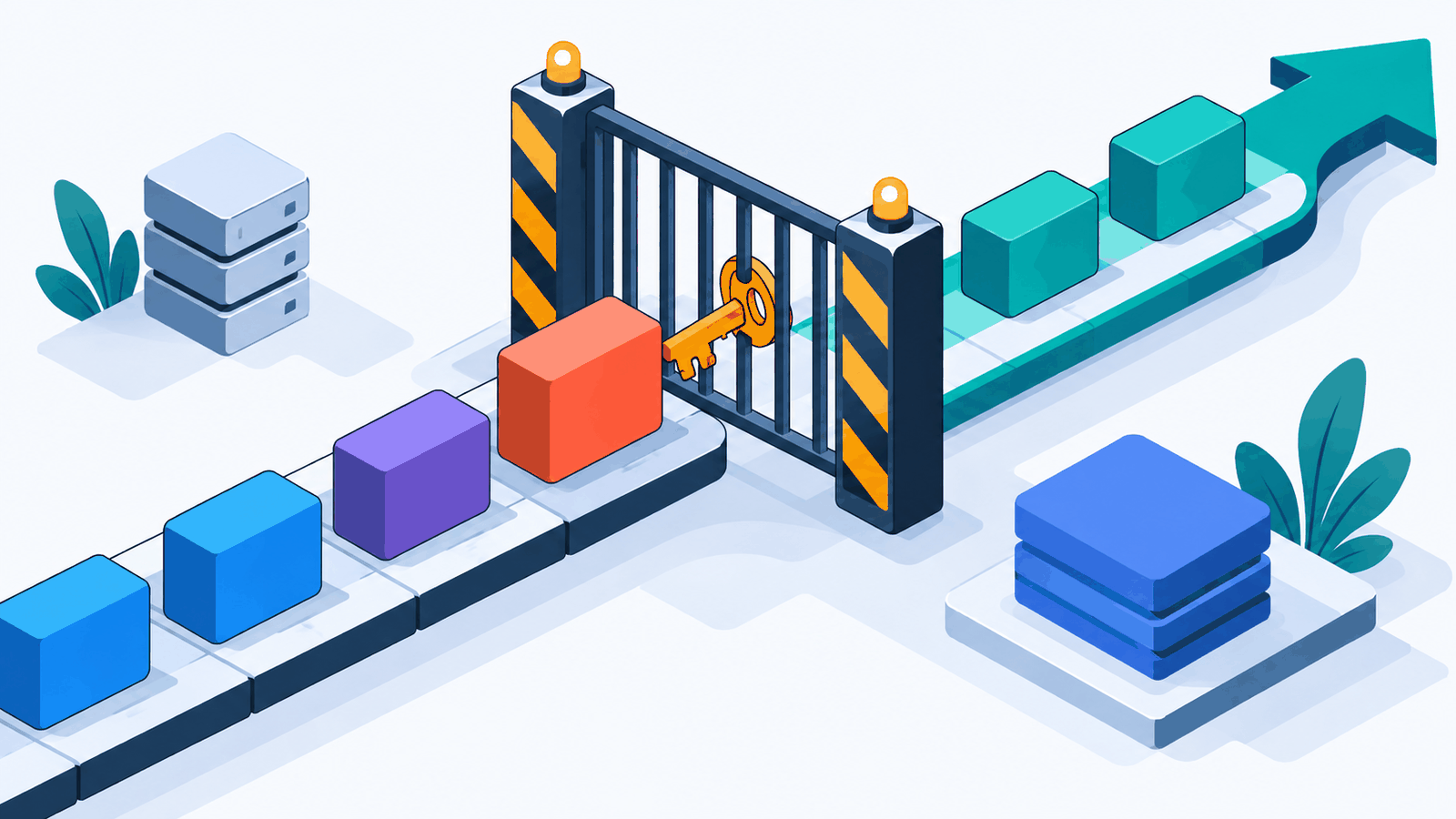
Cache poisoning, and how cache-mode closes the path
Here's the chain. A repository has a workflow triggered by pull_request_target, perhaps a build that needs repository secrets. Unlike pull_request, that trigger runs in the context of the base branch, usually the default branch. If the workflow checks out and runs anything from the PR, whether an install script, a test or a build step, the attacker's code is executing in a job attached to the default branch.
If that job can write to the cache, the attacker saves an entry under a key a trusted workflow will request: the same npm-<lockfile hash> key your release job uses, say. The next push to main triggers the release workflow, which restores the poisoned entry and runs it with production credentials in scope. Nobody approved anything malicious. The trusted workflow simply trusted its cache.
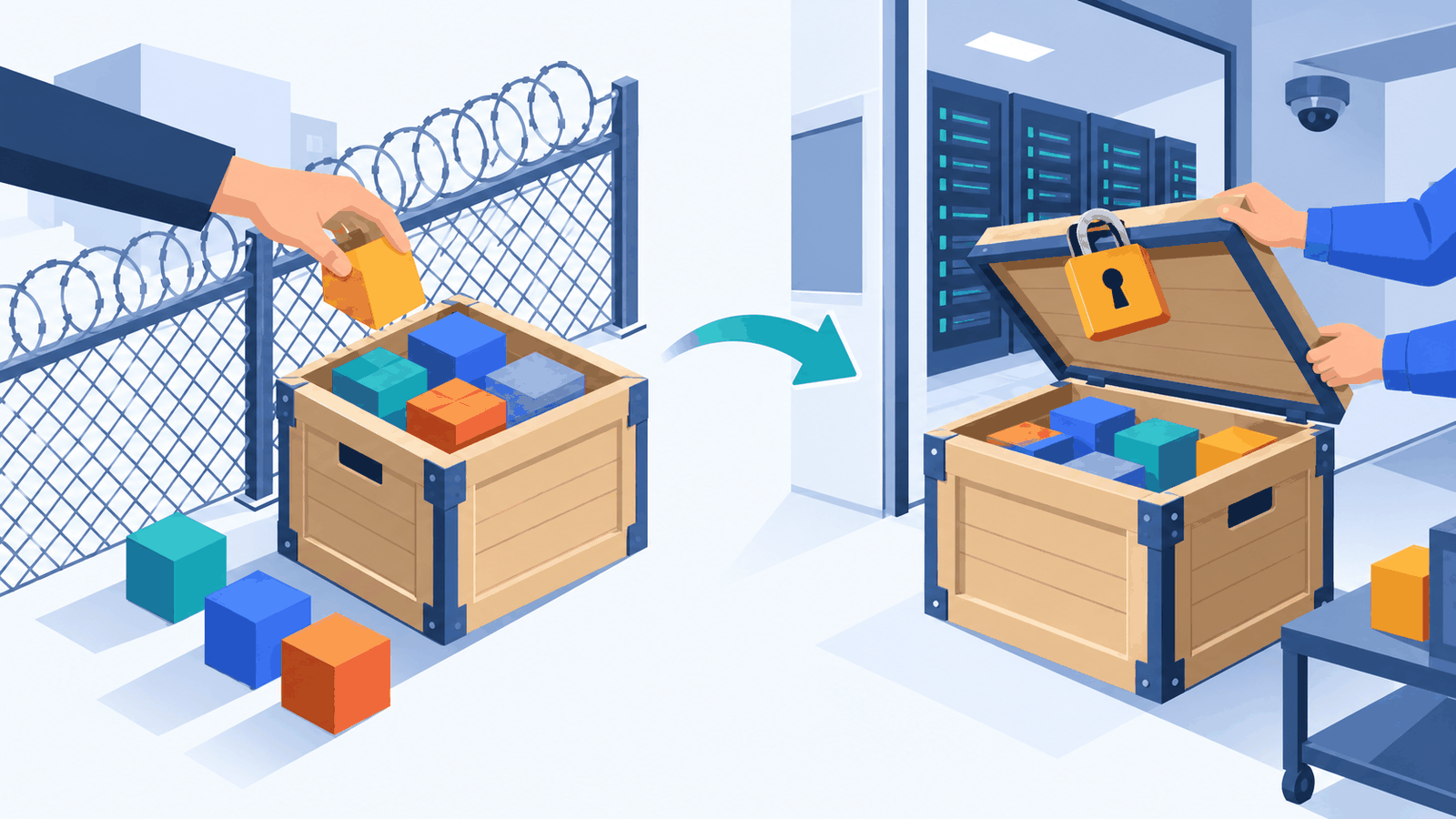
GitHub's caching docs set the platform default. Only push, workflow_dispatch, repository_dispatch, delete, registry_package, page_build and schedule can create or overwrite caches in the default branch's scope. Other triggers that resolve to the default branch get read-only access, including pull_request_target, issue_comment and workflow_run. Ordinary pull_request runs are scoped to the PR's merge ref and can't write into the default branch's scope at all.
The four modes
The cache-mode release on 10 September makes that access explicit and lets you tighten it. The cache service enforces the mode, so it doesn't depend on which action a step uses.
read: restore, no save. Default for low-trust events such aspull_request_target.write: restore and save. Default for trusted events such aspush.write-only: save, no restore.none: no cache access.
Job-level settings override the workflow value. On a job that calls a reusable workflow, the mode is a ceiling: the called workflow can't get more cache access than its caller granted. If your platform team ships shared reusable workflows, set the ceiling at the call site.
The trap: opting back in
An explicit cache-mode overrides the read-only default for low-trust events. That's how the hole reopens: someone's pull_request_target build is slow, caches don't save, and they add cache-mode: write. GitHub adds a warning annotation when a low-trust run declares write or write-only. Treat it as a failed review.
The shape we'd standardise on:
on:
  push:
    branches: [main]
  pull_request:

cache-mode: read            # workflow default: restore only, nothing saves

jobs:
  test:
    runs-on: ubuntu-latest
    steps:
      - uses: actions/checkout@v6
      - uses: actions/cache@v4
        with:
          path: ~/.npm
          key: npm-${{ hashFiles('**/package-lock.json') }}
      - run: npm ci && npm test

  warm-cache:
    if: github.event_name == 'push'
    runs-on: ubuntu-latest
    cache-mode: write-only  # builds from clean and saves; never restores an old entry
    steps:
      - uses: actions/checkout@v6
      - uses: actions/cache@v4
        with:
          path: ~/.npm
          key: npm-${{ hashFiles('**/package-lock.json') }}
      - run: npm ci
A pull_request_target workflow that only labels or comments should carry cache-mode: none. It's the same thinking you'd apply to scoping IAM roles for production workloads, applied to a resource few teams treated as a permission.
Also this month: npm's recovery-code hold
npm has extended its recovery-code security hold to all accounts. After a recovery-code sign-in, publishing and other sensitive writes, including creating access tokens, pause for 72 hours; signing in and installing still work, and the hold lifts on its own. If releases depend on one maintainer's personal account, a lost second factor now means three days without publishing.
The turn-it-on-this-week sequence
Monday: inventory. Search every repo for pull_request_target, workflow_run and issue_comment triggers, and for any existing cache-mode: write. Each hit on a low-trust trigger gets an owner.
Tuesday: set cache modes. none on low-trust workflows that don't need a cache, read as the default elsewhere, write access for one push-triggered job per cache key, and an explicit mode on every job calling a shared reusable workflow. Watch run times; a job moved to none that relied on a warm cache will slow down, and that's a cost you should choose deliberately.
Wednesday: pilot the merge block. Confirm secret scanning is on for five to ten active repos, then add a ruleset on their default branch with provider patterns only and your security team as the sole bypass. Only alerts a PR introduces count, so the old backlog won't block anyone.
Thursday and Friday: check, then widen. Count blocked PRs, time to unblock, and who closed each alert. If closures look sane, move the rule to an organization ruleset (Team or Enterprise plan) and add custom patterns you trust. Leave generic patterns off until you've measured their false-positive rate on your code.
Then keep two alarms permanently: any warning annotation about write-capable cache modes on low-trust triggers, and any alert closed by the author of the PR that introduced it. The first means the poisoning path is open again. The second means the merge block has become a formality.