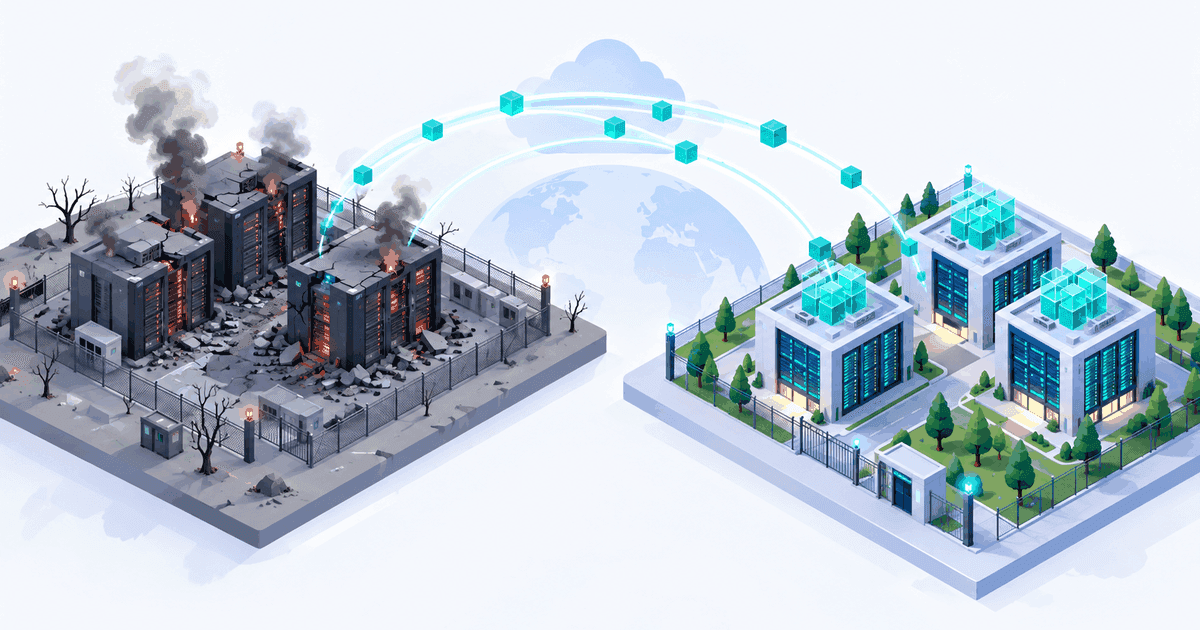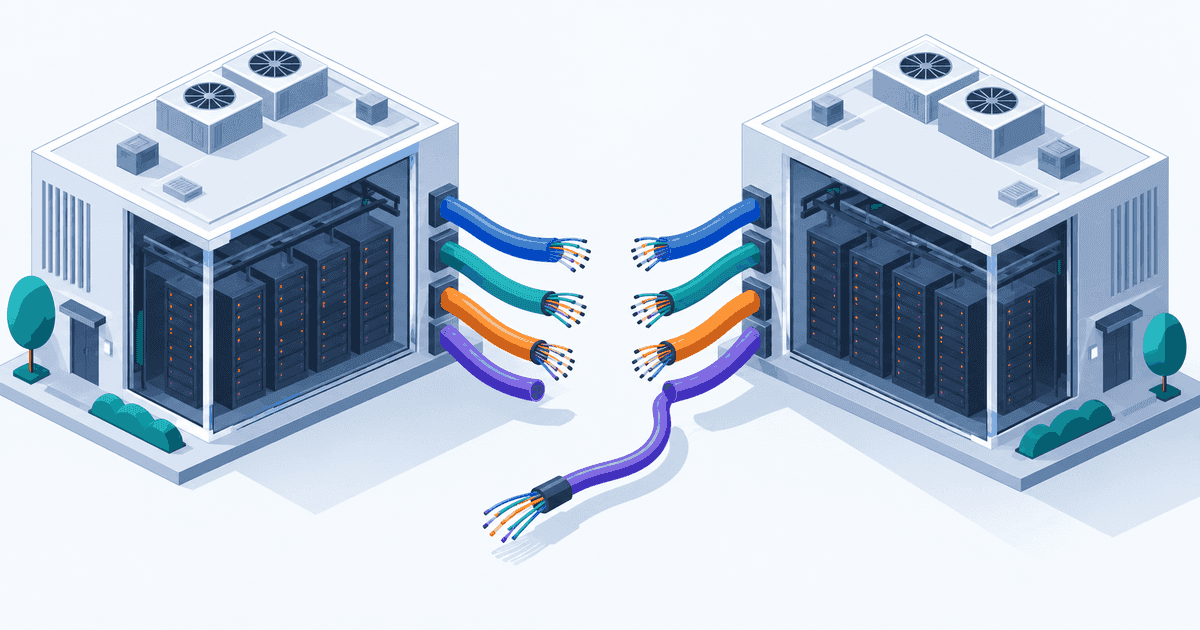
Somewhere in your account there is a Beanstalk environment nobody has looked at in three years. It serves an internal tool, it costs the price of one instance, and it works. AWS released Elastic Beanstalk Cluster Mode on 17 September 2026, offering to pack all of those environments onto shared nodes by running them on Amazon EKS clusters that AWS creates, operates and never lets you log into. InfoQ's analysis followed on 23 September 2026. The Kubernetes is not the interesting part. What changes is the bill and the escape hatches, once a managed Kubernetes abstraction sits between you and the cluster.
What AWS actually shipped
Cluster Mode is a second deployment mode, not a replacement. Standard Mode continues unchanged, still running .NET, Node.js, Python and the rest of the classic platforms. Cluster Mode is container based: source code, a Dockerfile, or an image in Amazon ECR. Source builds go through Cloud Native Buildpacks on AWS CodeBuild, so a repository with no Dockerfile still produces an image. Multiple applications share infrastructure that sits in your account but is created and managed by AWS. No kubectl, no node access, no CRD.
The surrounding kit is what will sell it to platform teams: event driven autoscaling, OpenTelemetry observability wired to CloudWatch and third party providers, Secrets Manager integration, HTTPS by default through AWS Certificate Manager, a new Elastic Beanstalk GitHub Action, and an agent skills toolkit entry. It runs in every commercial Region where Elastic Beanstalk is available, is HIPAA eligible, and is in scope for PCI DSS, SOC, FedRAMP and IRAP.
Two constraints are load bearing. Workloads must be stateless with ephemeral storage. And drift detection halts cluster maintenance until the drift is reverted, so a hand edit during an incident quietly parks your patching.
The subnet field is an architecture decision in disguise
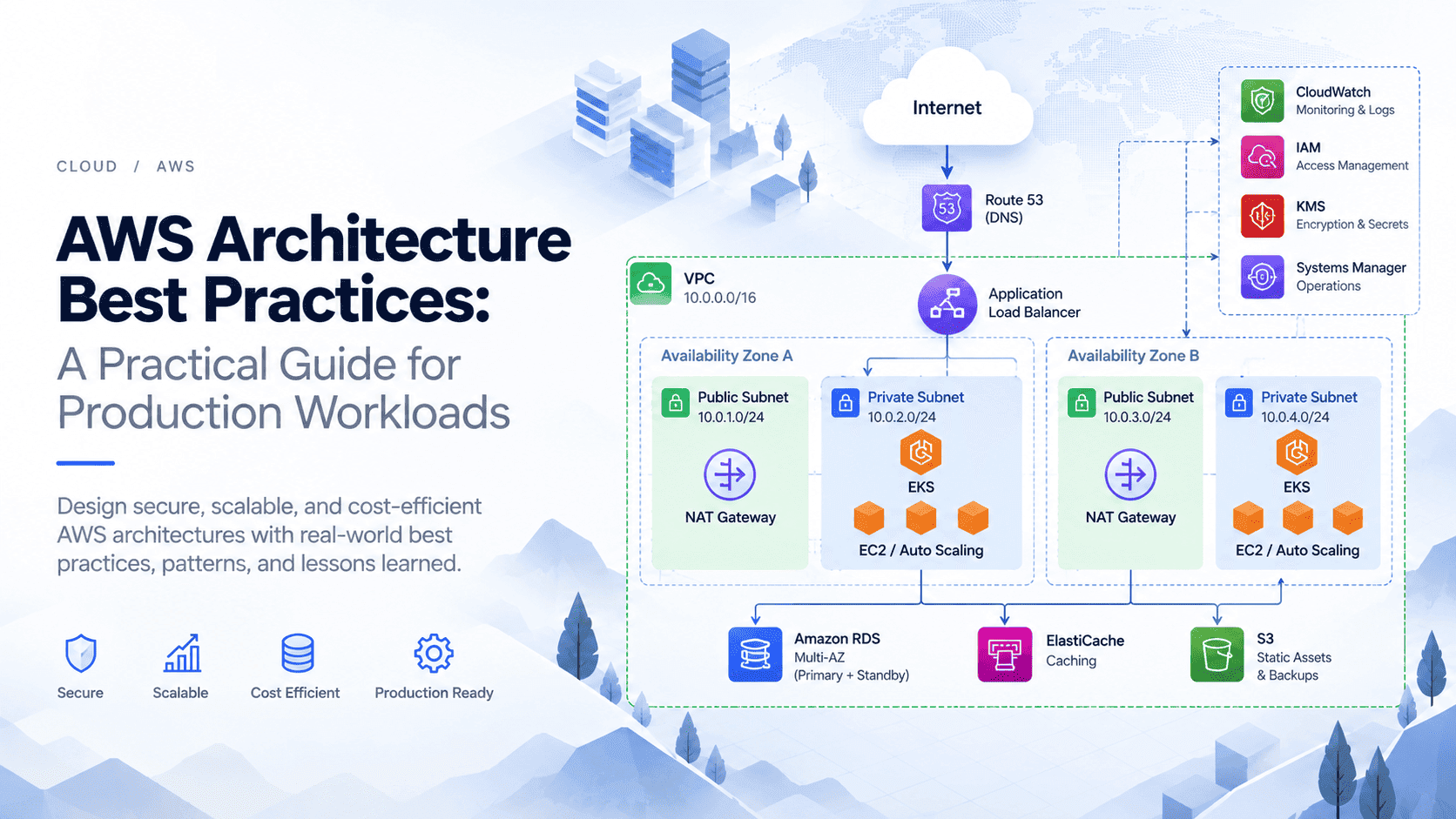
Here is the rule that deserves a meeting rather than a form field. Environments in the same account that use the same set of VPC subnets share a cluster, and a different subnet set gets a different cluster. Subnets and IAM roles cannot be changed after environment creation without recreating the environment, so cluster assignment is effectively permanent.
Read that as a tenancy statement. The first environment on a subnet set defines a shared cluster tenancy boundary for everything you later put there, so you are choosing your blast radius with a dropdown.
The obvious trap is staging and production on the same subnets. Do that and a staging deploy that pins CPU, a memory leak in a test build, or a drift event that halts maintenance lands on production's nodes. Beanstalk gives you environment level isolation for application config, not node level isolation across environments sharing a cluster. The noisy neighbour is your own application, better than a stranger's but no less capable of ruining an afternoon.

Separate accounts per stage is still the cleanest boundary; inside one account, give each stage its own subnet set. Settle that and the IAM roles, equally unchangeable, before you click create.
Immutable deployments are not in the box
Cluster Mode supports rolling and all at once. Immutable deployments are not available, and if you adopted immutable deliberately that is a regression rather than a detail.
What immutable bought was a clean failure mode. New instances came up alongside the old ones, health checks ran against them, and a failure discarded the new set while the originals kept serving, untouched. Failure cost time and instance hours, nothing else.
Rolling gives you a partially deployed system when it goes wrong: a batch is replaced, it fails health checks, and you are serving a mix of old and new, with a rollback that is another rolling operation across the nodes you just disturbed. All at once gives you a short outage on success and full exposure to a bad build on failure. Neither is unusual, and rolling replacement is what a Kubernetes Deployment does natively, but neither gives you what immutable had: the previous version never got touched.
The substitute is a second environment and a DNS cutover, priced honestly. On a different subnet set it gets its own cluster and flat fee for as long as it exists. On the same subnet set it is cheaper and gives up the separation you wanted from blue/green.

What Elastic Beanstalk Cluster Mode costs when you actually run it
AWS charges nothing additional for Cluster Mode itself, and that sentence does a lot of work, because the resources underneath are not the ones Standard Mode uses. Three cost lines are new. The EKS cluster carries a flat hourly fee Standard Mode never incurred, charged per cluster, which means per distinct subnet set. EKS Auto Mode charges a management fee on the infrastructure it provisions, and that fee does not combine with the EC2 discount mechanisms most teams rely on, so Savings Plans and Spot do not reach it. Per resource pod level metrics carry their own charge, scaling with pod count rather than environments.
The saving comes from one place: a fleet of environments packs onto a node pool sized to their combined demand instead of each holding an instance of its own.
So the calculation has a shape. Costs are a fixed component (cluster hours multiplied by your number of subnet sets), a variable premium (the Auto Mode fee on every vCPU and GB hour of shared capacity), and metrics charges that grow with pods. The saving is the instance hours you stop paying for when N environments collapse onto a node pool smaller than N minimum sized instances. Break even is how many environments you can genuinely pack onto one subnet set; ones you cannot co-locate do not count.
Run that with your own rates, and watch one distortion in particular. If you already cover steady state EC2 with Savings Plans, your effective Standard Mode cost is below list while the EKS Auto Mode cost is not discountable at all, which narrows the gap before you start. Our guide to EKS architecture and cost covers where the money goes in a cluster you run yourself, and the same line items apply here. For the business case, the cost optimisation playbook frames what is and is not discountable.
Standard Mode, Cluster Mode, or your own EKS
Standard Mode | Cluster Mode | Self managed EKS | |
|---|---|---|---|
Who operates the cluster | No cluster | AWS, service managed, no direct access | You |
Deployment strategies | Rolling, all at once, immutable, environment swap | Rolling and all at once only | Anything you implement |
Cost floor | Instance hours per environment | Flat cluster fee per subnet set, plus Auto Mode premium, plus pod metrics | Cluster fee plus nodes you size yourself |
Discount eligibility | Savings Plans, Reserved Instances, Spot | EC2 discounts do not reach the Auto Mode portion | Full: Savings Plans, Spot, consolidation |
Escape hatch if you outgrow it | Image and platform port to ECS, EKS or elsewhere | Image is portable; environment model and cluster are not | None needed, you own the stack |
The escape hatch row is the one to sit with. Your image travels anywhere; everything Beanstalk did around it does not, and with no access to the cluster there is no gradual takeover of operations. You are inside the abstraction or you have rebuilt elsewhere.
The ECS question, taken seriously
James Eastham of Datadog questioned how this differs from ECS, saying the services "seem a little close to each other when they could actually just put a bunch of effort into making one of the services great". He is not wrong about the overlap. ECS already runs containers with no cluster you operate, offers Fargate if you want no nodes at all, does blue/green through CodeDeploy, and takes Spot capacity.
Cluster Mode differs in three ways. It builds from source with Cloud Native Buildpacks, so a repository without a Dockerfile still ships. It keeps Beanstalk's application and environment model, which is the thing teams who like Beanstalk actually like. And it puts Kubernetes underneath with no cluster to operate, which matters if your reason for wanting Beanstalk on EKS is that some future workload needs Kubernetes semantics. Whether that justifies a second service is a fair argument AWS has not answered.
Who this is genuinely for
Teams with a fleet of small internal applications, each on its own underused instance, get the clearest win. Packing them onto shared nodes is the whole point, and doing it without hiring anyone to run Kubernetes is a real offer. This is what an internal developer platform solves at larger scale, and Cluster Mode gets some of that value without building one. The second group is teams already on Standard Mode whose applications outgrew one instance per environment and who want container packing without changing how they deploy.
Elastic Beanstalk Cluster Mode is not for stateful workloads, anyone who needs immutable deployments, or teams who will eventually want their own controllers, operators or service mesh. That last one is the quiet disqualifier: the day you need a CRD is the day you find out the cluster is not yours.
Pre flight checklist
Settle these before you create the first environment. None are easy to change later.
Subnet strategy. Write down which environments share a cluster and which do not, then map that to subnet sets. Separate production from everything else.
IAM roles. Fix the instance and service roles now, including cross account access the application needs.
Statelessness. Audit local disk use, session state, file uploads and caches. Anything that survives a restart today needs a new home.
Deployment strategy. Pick rolling or all at once, and if you need blue/green, decide whether the second environment gets its own subnet set and fee.
Observability destination. Choose CloudWatch or a third party provider before launch, and check which pod level metrics you turn on, since that is a billed line.
Drift policy. Nobody hand edits managed resources, because drift stops cluster maintenance until it is reverted.
The decision rule
Adopt Elastic Beanstalk Cluster Mode if you have a handful of small stateless environments that can share a tenancy boundary, you deploy with rolling updates today, and nobody wants to operate Kubernetes. Do not adopt it if any workload is stateful, if immutable deployments are part of how you manage release risk, if isolation forces you into several subnet sets, or if you expect to need cluster access within two years.
Check three things first. Model the cost with your own rates, with the flat fee multiplied by your real subnet set count and your EC2 discounts applied to the Standard Mode side. Confirm every candidate application survives losing local disk. And draw the subnet map before anyone opens the console, because that diagram is the architecture and you draw it once. For the principles that should steer it, start with our AWS architecture guidance and the wider cloud coverage.